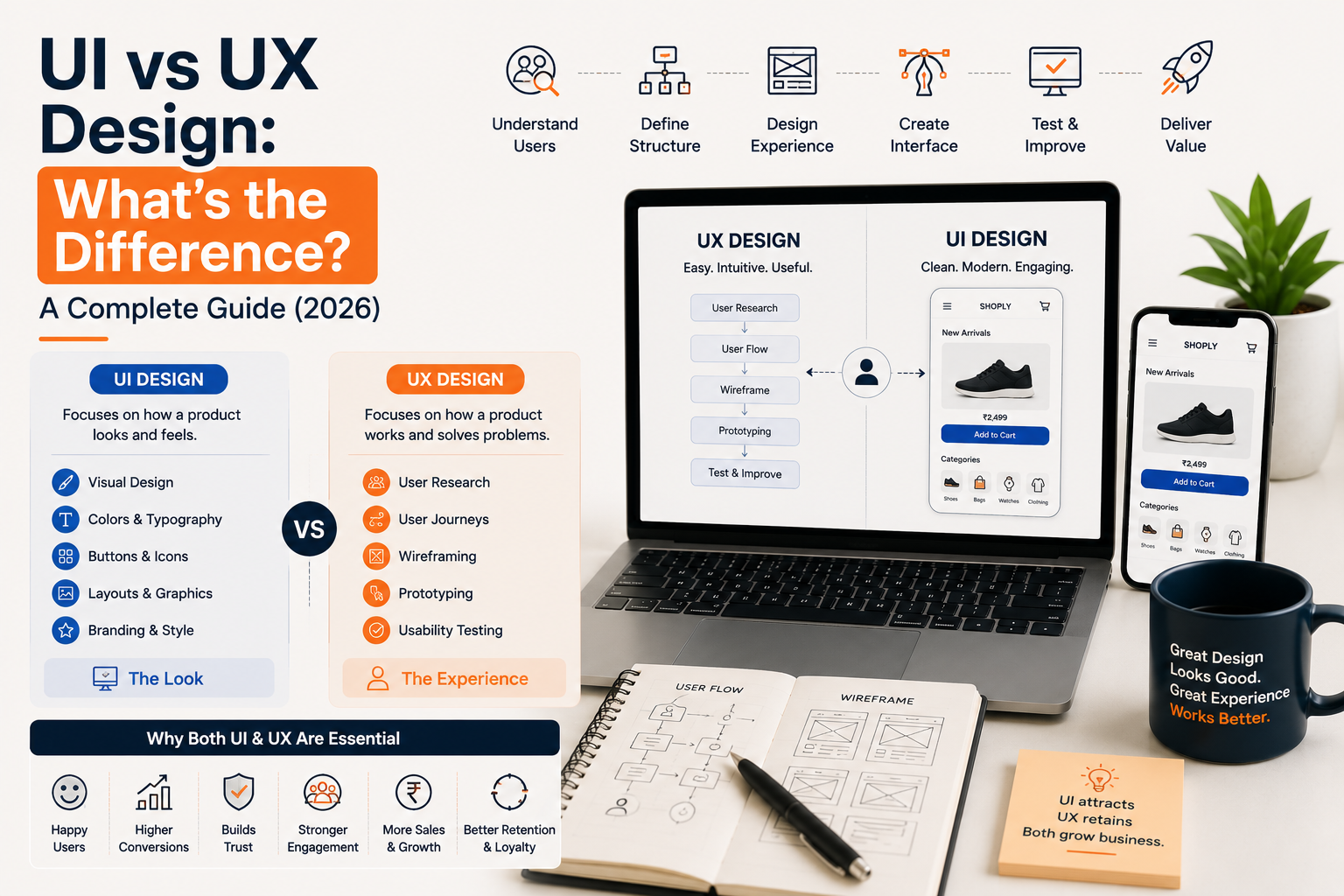
UI vs UX Design: What's the Difference?
If you've ever searched for UI vs UX Design, you've probably noticed that these two terms are often used together. While they are closely connected, they are not the same.
Many business owners believe UI (User Interface) and UX (User Experience) are interchangeable. In reality, they serve different purposes but work together to create successful digital products.
Imagine visiting a beautifully designed website that is difficult to navigate or using a mobile app that looks outdated but is incredibly easy to use. In both cases, something is missing. Great digital products need both an attractive interface and a seamless user experience.
Whether you're building a website, mobile app, SaaS platform, or enterprise software, understanding the difference between UI and UX helps you make better decisions when hiring a UI/UX design company or investing in UI/UX design services.
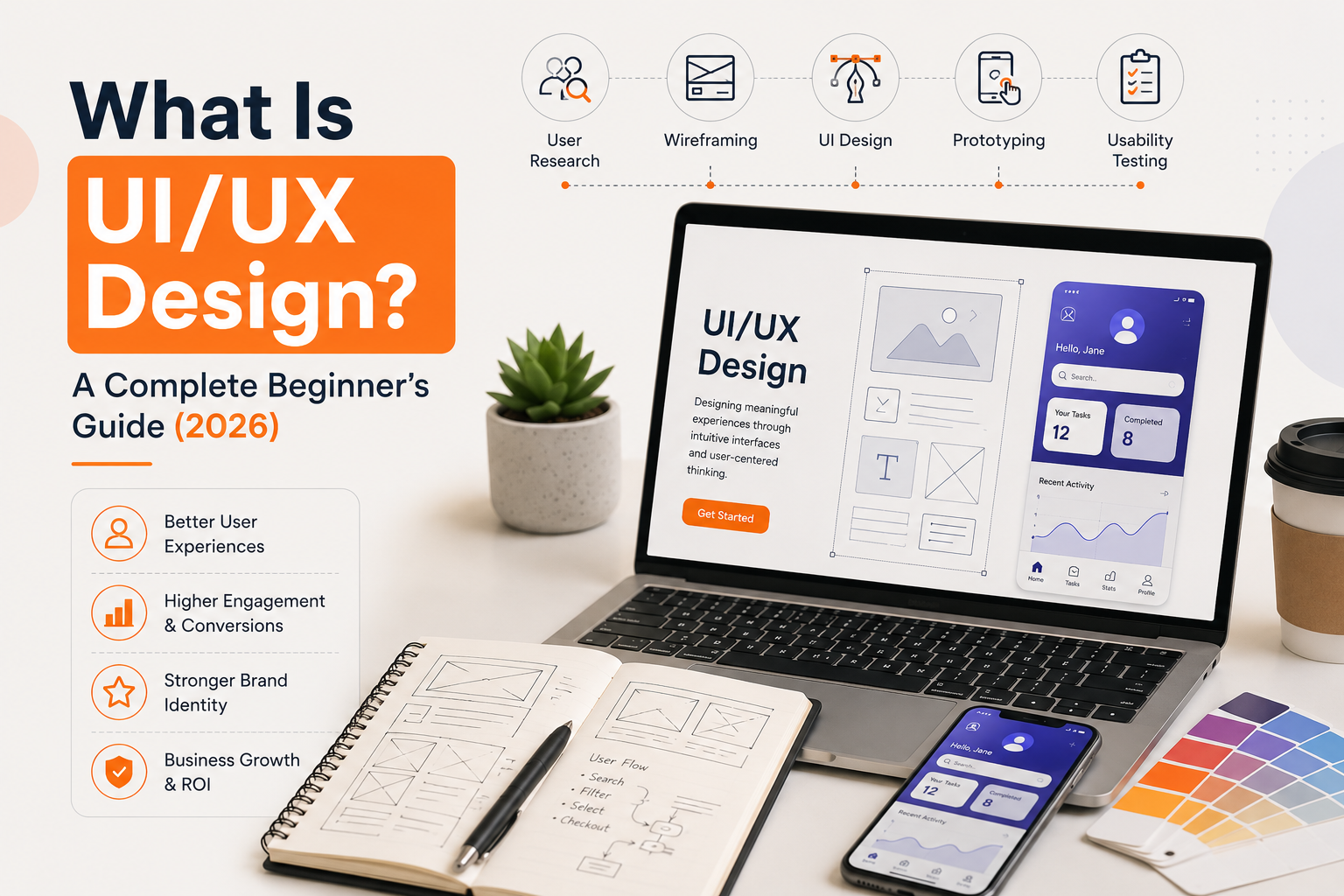
In this guide, we'll explain UI and UX in simple terms, highlight their differences, and show why businesses need both to build products users love. For a broader overview, see what is UI/UX design.
What Is UI Design?
UI (User Interface) Design focuses on the visual appearance of a digital product. It includes everything users see and interact with on a website, mobile app, or software application.
UI designers create interfaces that are visually appealing, consistent, and easy to use.
Elements of UI Design
A UI designer works on:
- Buttons
- Navigation menus
- Typography
- Colours
- Icons
- Images
- Layouts
- Forms
- Cards
- Animations
- Spacing
- Visual hierarchy
The goal of UI design is to create an interface that reflects your brand while making interactions simple and engaging.
For example, the layout of an online shopping website, the colour of the "Buy Now" button, and the design of product cards are all part of the user interface.
What Is UX Design?
UX (User Experience) Design focuses on how users interact with a product and how easily they can achieve their goals.
Instead of concentrating on appearance alone, UX designers improve usability, accessibility, and functionality.
UX design involves understanding users before designing anything.
UX Design Includes
- User research
- Customer journey mapping
- Information architecture
- Wireframing
- User flows
- Usability testing
- Problem solving
- Interaction design
For example, reducing the number of steps required to complete an online purchase is a UX improvement.
UI vs UX: The Key Difference
Although UI and UX work together, their responsibilities are different.
| UI Design | UX Design |
|---|---|
| Focuses on appearance | Focuses on experience |
| Colours and typography | User research |
| Layout and branding | User journeys |
| Icons and buttons | Information architecture |
| Visual consistency | Usability testing |
| Interactive elements | Problem solving |
| Design aesthetics | User satisfaction |
A simple way to understand it is:
UX decides how the product works. UI decides how the product looks.
Both are essential for creating a successful digital experience.
A Simple Real-World Example
Think about visiting a restaurant.
The food, service, and overall dining experience represent UX.
The interior design, menu layout, lighting, and presentation represent UI.
Even if the restaurant looks beautiful, poor service can ruin the experience. Likewise, excellent service cannot fully compensate for an uninviting environment.
Digital products work the same way.
Why UI and UX Need to Work Together
Businesses often focus only on visual design, believing an attractive website is enough.
However, users stay because the experience is smooth and enjoyable.
When UI and UX work together, businesses can:
- Increase customer satisfaction
- Improve usability
- Build trust
- Increase conversions
- Reduce bounce rates
- Improve engagement
- Strengthen brand credibility
Beautiful design alone doesn't create loyal customers—great experiences do.
The Role of a UI Designer
A UI designer focuses on creating attractive and consistent interfaces.
Their responsibilities include:
- Designing website layouts
- Creating mobile app interfaces
- Choosing typography
- Selecting colour palettes
- Designing icons and illustrations
- Building design systems
- Maintaining brand consistency
- Creating responsive layouts
UI designers ensure every screen looks polished and professional.
The Role of a UX Designer
A UX designer focuses on understanding users and solving usability challenges.
Their responsibilities include:
- Conducting user research
- Creating user personas
- Mapping customer journeys
- Organising information architecture
- Designing wireframes
- Building prototypes
- Conducting usability testing
- Analysing user behaviour
Their goal is to make products easier, faster, and more enjoyable to use.
Common UI Design Principles
Effective UI design follows several best practices.
Consistency
Use the same colours, buttons, typography, and layouts throughout the product.
Visual Hierarchy
Important information should stand out and guide users naturally.
Accessibility
Interfaces should be usable for everyone, including people with disabilities.
Responsive Design
Products should work seamlessly across desktop, tablet, and mobile devices.
Simplicity
Avoid unnecessary elements that distract users.
Common UX Design Principles
Great UX focuses on solving real user problems.
Important principles include:
User-Centred Design
Design decisions should be based on user needs rather than assumptions.
Clear User Flows
Every task should require as few steps as possible.
Continuous Testing
Gather feedback regularly and improve the experience over time.
Problem Solving
Every feature should help users accomplish something meaningful.
The UI/UX Design Process
Professional UI/UX design services follow a structured process.
1. Discovery
Understand business goals and user needs.
2. UX Research
Study user behaviour, competitors, and customer expectations.
3. Information Architecture
Organise content and navigation.
4. Wireframing
Plan layouts and user flows.
5. UI Design
Create attractive, responsive interfaces.
6. Interactive Prototyping
Build clickable prototypes for review.
7. Usability Testing
Collect feedback and refine the experience.
8. Developer Handoff
Deliver organised design files for implementation.
Common Mistakes Businesses Make
Many companies invest only in visuals while ignoring usability.
Common mistakes include:
- Prioritising aesthetics over usability
- Skipping UX research
- Ignoring mobile responsiveness
- Overcomplicated navigation
- Inconsistent layouts
- Too many animations
- Poor accessibility
- No usability testing
Avoiding these mistakes improves customer satisfaction and product success.
Which Industries Need UI/UX Design?
Almost every industry benefits from professional UI/UX design. Examples include:
- SaaS
- Healthcare
- eCommerce
- FinTech
- Education
- Manufacturing
- Travel
- Real Estate
- Logistics
- AI Platforms
- Enterprise Software
- Sports & Fitness
Every digital product benefits from a better user experience.
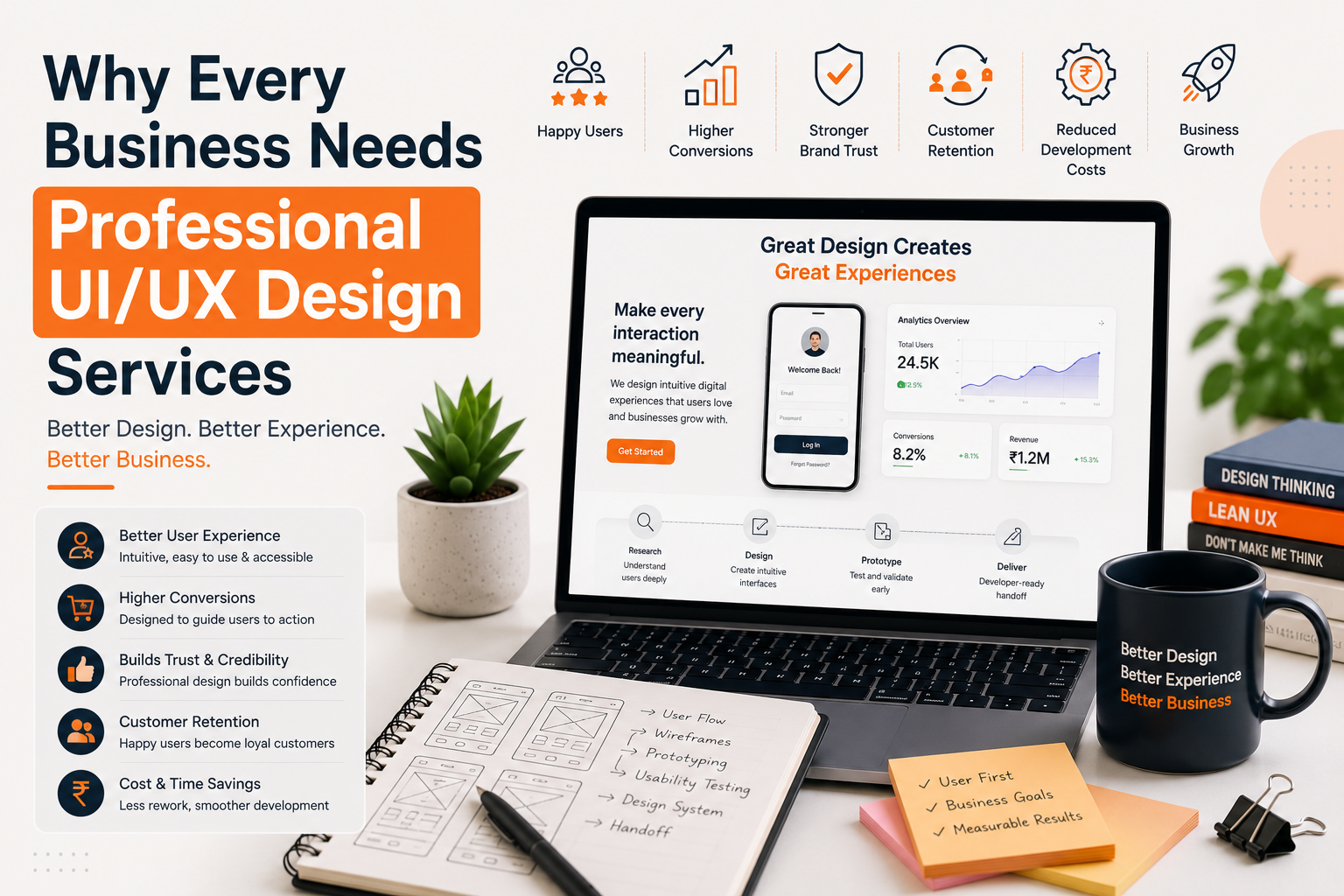
Benefits of Professional UI/UX Design Services
Hiring an experienced UI/UX design company offers many advantages.
Better Customer Experience
Users complete tasks more easily.
Higher Conversion Rates
Optimised user journeys increase enquiries and sales.
Lower Development Costs
Testing designs before development reduces rework.
Stronger Brand Image
Professional interfaces build trust.
Better User Retention
Happy users return more often.
Scalable Products
Design systems support future growth.
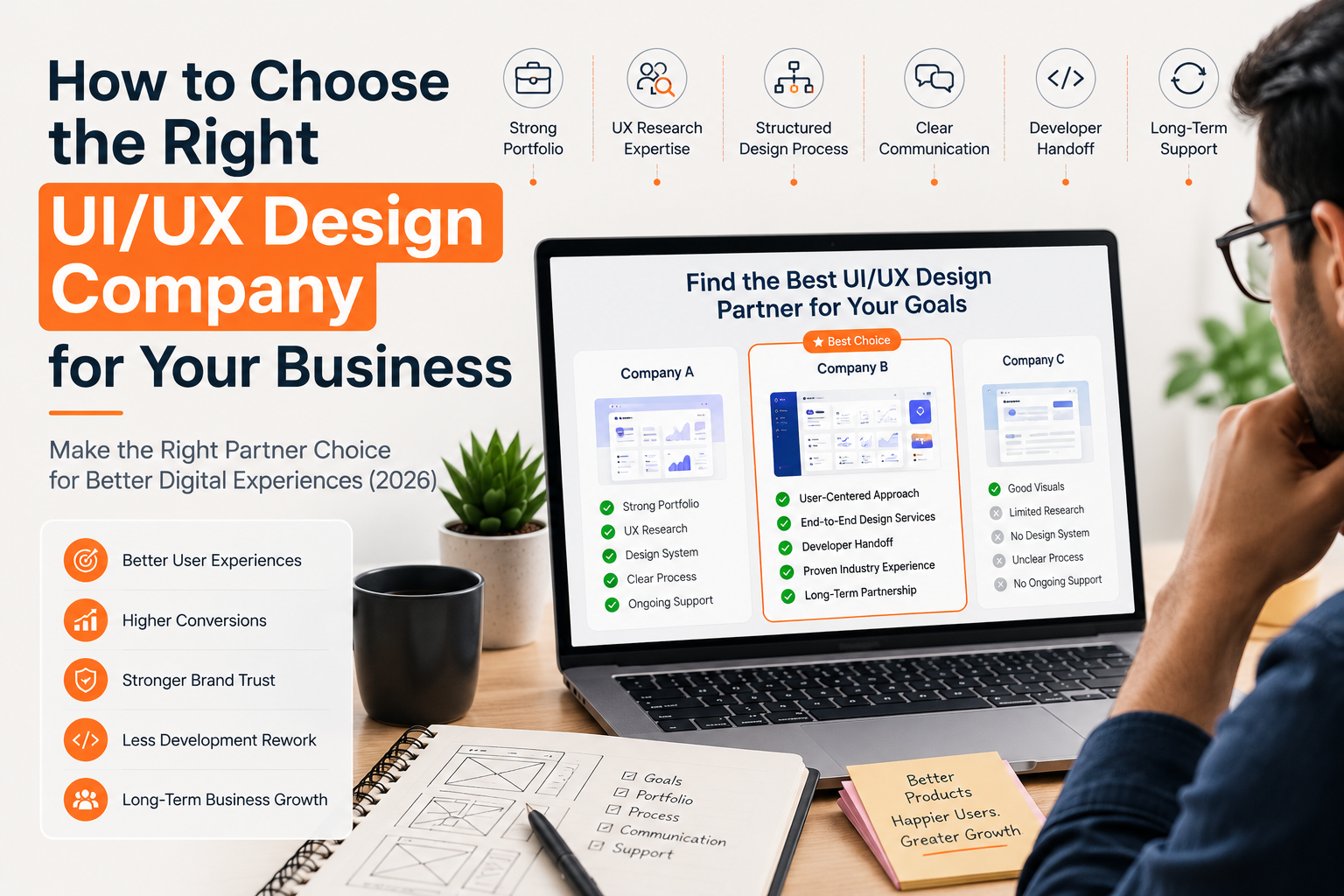
How to Choose the Right UI/UX Design Company
When hiring a design partner, look for:
- Strong portfolio
- UX research expertise
- Industry experience
- Clear design process
- Responsive design capabilities
- Figma expertise
- Design systems
- Developer-ready handoff
- Transparent communication
- Long-term support
Choosing the right partner ensures your product is both visually appealing and easy to use. See how to choose the right UI/UX design company for more detail.
Why Businesses Choose Etaya
At Etaya, we believe great products are built by combining thoughtful user experiences with clean, modern interfaces.
Our UI/UX design services help startups, SMEs, and enterprises create digital products that are intuitive, scalable, and aligned with business goals.
Our services include:
- Website UI Design
- Mobile App UI/UX Design
- SaaS Product Design
- Dashboard Design
- UX Research
- Wireframing
- Interactive Prototyping
- Design Systems
- UX Audits
- Developer Handoff
- UI/UX Consulting
Every project is designed to improve usability, increase engagement, and support long-term business growth.
Final Thoughts
UI and UX are two essential parts of every successful digital product.
While UI design focuses on the visual interface, UX design focuses on creating meaningful, efficient, and enjoyable user experiences. Businesses that invest in both create products that not only look professional but also perform better.
Whether you're launching a new website, redesigning a mobile app, or building a SaaS platform, partnering with an experienced UI/UX design company ensures your product meets user expectations and supports your business goals.
At Etaya, we combine strategy, research, and design to create digital experiences that users enjoy and businesses trust.
Frequently Asked Questions
What is the difference between UI and UX design?
UI design focuses on the visual appearance of a product, while UX design focuses on the overall user experience, usability, and interaction.
Which is more important, UI or UX?
Both are equally important. UX ensures the product is easy to use, while UI makes it visually engaging and consistent.
Can a product have good UI but poor UX?
Yes. A product may look attractive but still frustrate users if navigation, functionality, or workflows are confusing.
Do businesses need both UI and UX design?
Yes. Combining UI and UX creates digital products that are visually appealing, user-friendly, and aligned with business goals.
Why choose Etaya for UI/UX design services?
Etaya provides user-centred UI/UX design services, including UX research, wireframing, UI design, prototyping, and developer-ready handoff to help businesses build exceptional digital experiences.