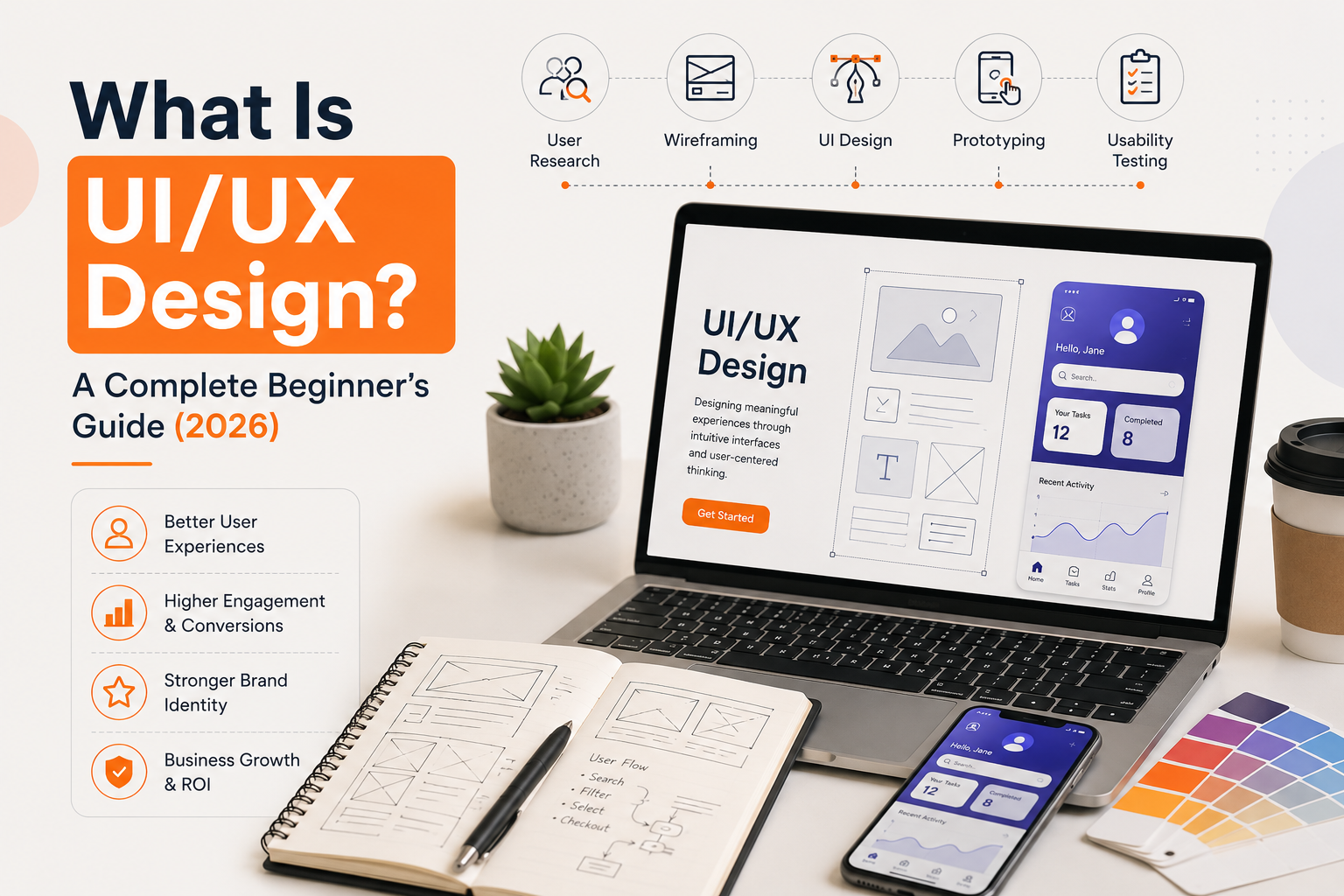
What Is UI/UX Design?
Every successful digital product starts with a great user experience. Whether you're using a banking app, ordering food online, shopping on an eCommerce website, or managing business operations through a SaaS platform, the way the product looks and functions determines how users feel about it.
This is where UI/UX design plays a vital role.
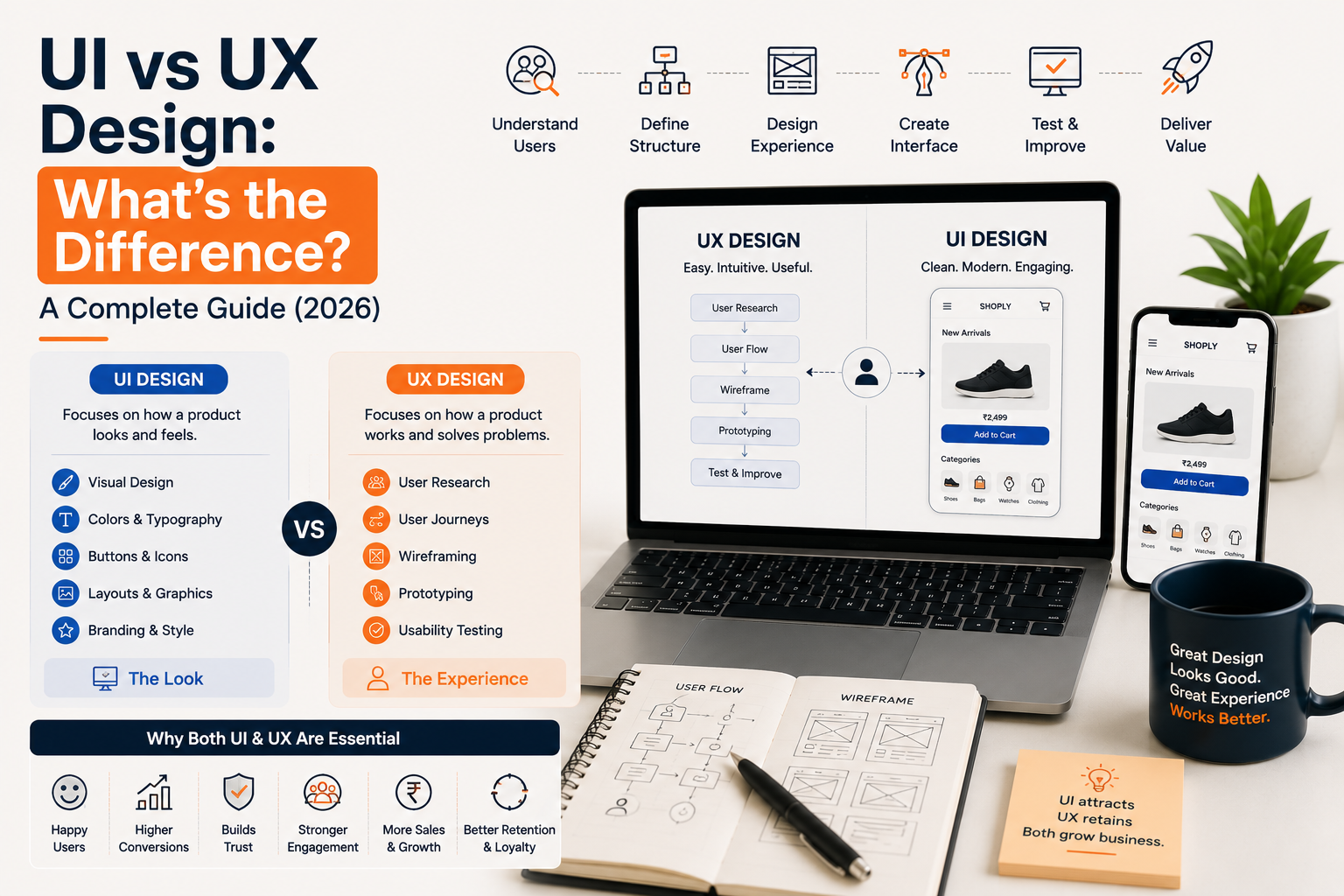
Many people believe UI and UX are the same, but they serve different purposes. User Interface (UI) Design focuses on how a product looks, while User Experience (UX) Design focuses on how it works and how users interact with it.
Together, UI and UX help businesses create websites, mobile applications, dashboards, enterprise software, and digital platforms that are intuitive, visually appealing, and easy to use.
In this guide, you'll learn everything you need to know about UI/UX design, including its importance, principles, process, benefits, tools, and why investing in professional UI/UX design services can significantly improve your digital product. For a deeper comparison, see UI vs UX Design.
What Does UI Mean?
User Interface (UI) refers to everything users see and interact with when using a digital product.
It includes:
- Buttons
- Navigation menus
- Forms
- Typography
- Colors
- Icons
- Images
- Layouts
- Interactive elements
The goal of UI design is to make interfaces visually attractive, consistent, and easy to understand.
For example, when you open a food delivery app, the product images, navigation bar, checkout buttons, and search filters are all part of the user interface.
A well-designed UI helps users complete tasks without confusion.
What Does UX Mean?
User Experience (UX) is about the overall experience users have while interacting with a product.
UX focuses on questions like:
- Is the website easy to navigate?
- Can users find information quickly?
- Is the checkout process simple?
- Are users completing tasks without frustration?
- Does the product solve the user's problem?
UX combines research, psychology, usability, and product strategy to create meaningful experiences.
Instead of focusing only on appearance, UX focuses on functionality.
UI vs UX Design
Although UI and UX work together, they have different responsibilities.
| UI Design | UX Design |
|---|---|
| Focuses on visual appearance | Focuses on user experience |
| Colors and typography | User research |
| Buttons and icons | User journeys |
| Layouts | Information architecture |
| Design consistency | Usability testing |
| Interactive components | Problem solving |
Think of it this way:
UX designs the journey. UI designs what users see during that journey.
Without UX, a product may look beautiful but feel confusing. Without UI, a product may work well but appear outdated and difficult to trust.
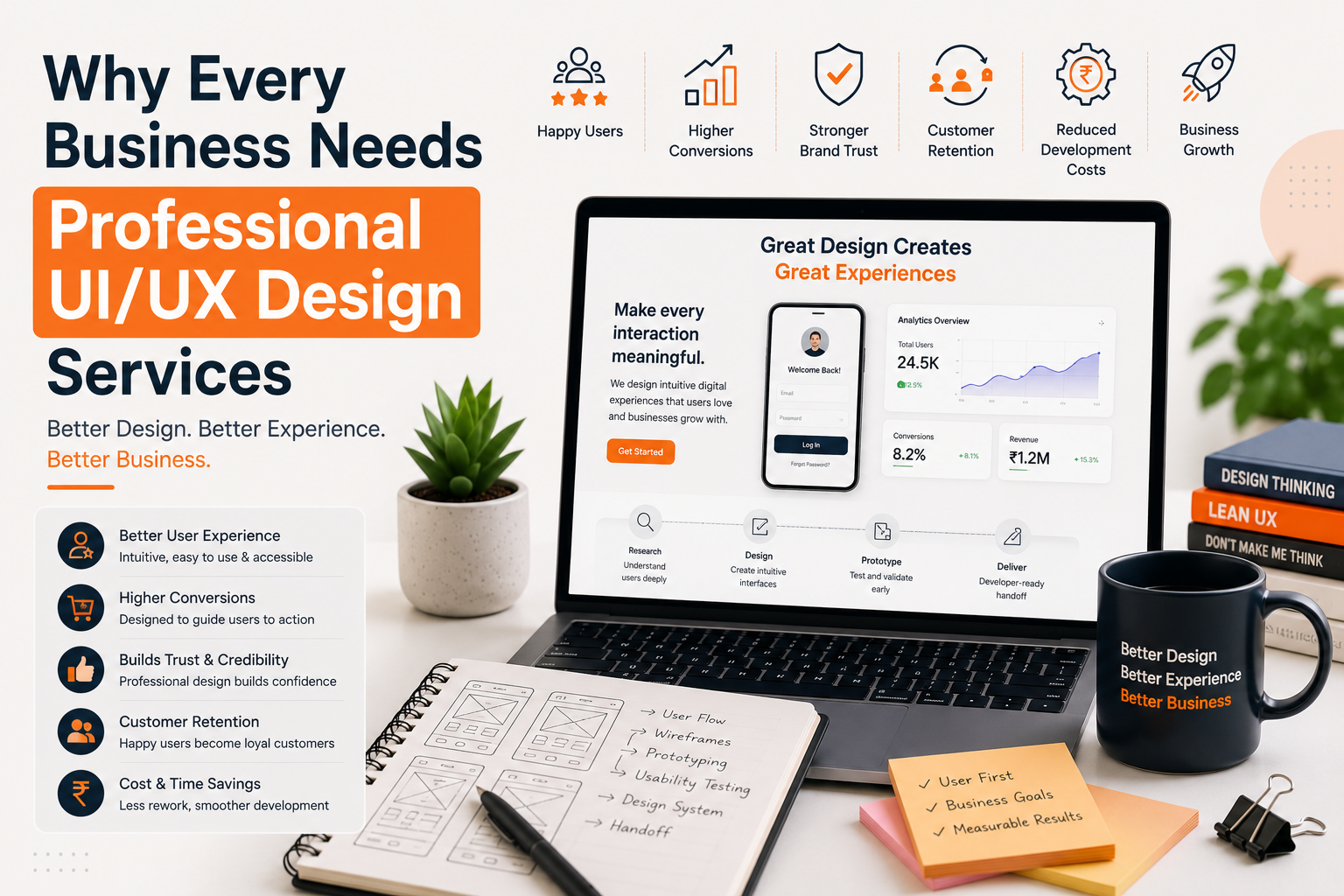
Why Is UI/UX Design Important?
Businesses today compete through digital experiences.
Customers expect websites and applications to load quickly, look modern, and be easy to navigate.
Good UI/UX design helps businesses:
- Increase user engagement
- Improve customer satisfaction
- Reduce bounce rates
- Increase conversions
- Improve customer retention
- Build trust
- Strengthen brand identity
- Reduce development costs
- Increase product adoption
Whether you're building a startup product or redesigning enterprise software, investing in professional UI/UX design services provides long-term business value. Learn why every business needs professional UI/UX design services.
Core Principles of Good UI/UX Design
User-Centered Design
Every design decision should focus on user needs rather than personal opinions. Understanding user behaviour helps create products people actually enjoy using.
Simplicity
Simple interfaces are easier to learn and navigate. Removing unnecessary elements reduces confusion and improves usability.
Consistency
Buttons, fonts, colours, spacing, and interactions should remain consistent throughout the product. Consistency builds familiarity and confidence.
Accessibility
Digital products should be usable by everyone, including people with disabilities. Accessible design includes readable fonts, sufficient colour contrast, keyboard navigation, and screen reader compatibility.
Responsiveness
Modern users switch between desktops, tablets, and smartphones. Responsive UI ensures the experience remains consistent across all devices.
The UI/UX Design Process
Professional UI/UX design companies follow a structured workflow to create successful digital products.
1. Discovery
Designers understand business goals, user needs, competitors, and project requirements.
2. User Research
UX researchers collect information through interviews, surveys, analytics, and competitor analysis. This helps identify pain points before design begins.
3. Information Architecture
Content and navigation are organised to make products easier to explore. Good architecture helps users find information quickly.
4. Wireframing
Wireframes represent the basic structure of every screen. They define layout, content hierarchy, and user flow before visual design begins.
5. UI Design
Designers create modern interfaces using typography, colours, spacing, icons, and branding. This stage transforms wireframes into polished designs.
6. Interactive Prototyping
Clickable prototypes simulate the real product. Stakeholders can review functionality before development begins.
7. Usability Testing
Real users test the interface. Their feedback helps identify usability problems early.
8. Developer Handoff
Design files, components, and documentation are shared with developers to ensure accurate implementation.
Popular UI/UX Design Tools
Modern designers use several professional tools. Some of the most popular include:
- Figma
- FigJam
- Adobe Illustrator
- Adobe Photoshop
- Miro
- Framer
- Maze
- Hotjar
- Google Analytics
- Microsoft Clarity
These tools improve collaboration, testing, and developer handoff.
Benefits of Professional UI/UX Design Services
Hiring an experienced UI/UX design company offers many advantages.
Better User Experience
Easy-to-use interfaces improve customer satisfaction.
Higher Conversion Rates
Optimised user journeys encourage more enquiries, purchases, and sign-ups.
Faster Product Adoption
Simple interfaces reduce the learning curve for new users.
Reduced Development Costs
Testing ideas before development reduces expensive revisions.
Stronger Brand Identity
Consistent interfaces improve credibility and trust.
Improved Customer Retention
Satisfied users are more likely to return.
Industries That Benefit from UI/UX Design
UI/UX design is valuable across almost every industry. Some common examples include:
- SaaS
- Healthcare
- FinTech
- Travel
- Education
- Manufacturing
- Real Estate
- Logistics
- eCommerce
- Artificial Intelligence
- Sports & Fitness
- Enterprise Software
Every industry has different users and workflows, making thoughtful design essential.
Common UI/UX Design Mistakes
Many businesses unknowingly create poor user experiences. Common mistakes include:
- Confusing navigation
- Slow loading pages
- Poor mobile responsiveness
- Too many pop-ups
- Inconsistent design
- Weak call-to-action buttons
- Small fonts
- Complex forms
- Ignoring accessibility
- Skipping usability testing
Avoiding these mistakes leads to better engagement and improved conversions.
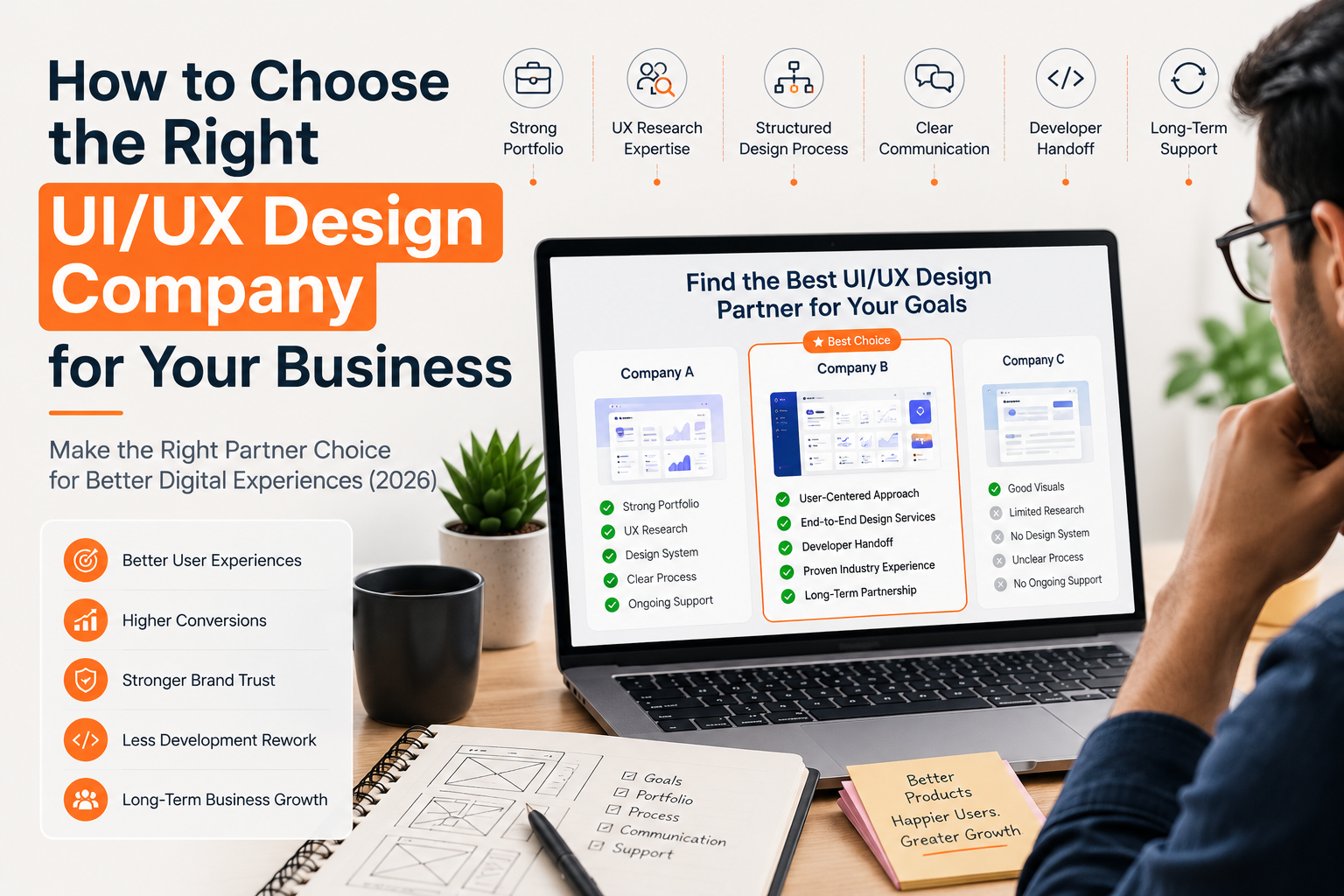
How to Choose the Right UI/UX Design Company
Not every design agency follows the same process. When selecting a UI/UX design company, consider:
- Portfolio quality
- Industry experience
- UX research process
- Communication
- Design systems
- Developer handoff
- User testing
- Client reviews
- Scalability
- Post-launch support
A strong partner understands both business goals and user behaviour. For a full checklist, read how to choose the right UI/UX design company.
Future Trends in UI/UX Design (2026)
The future of UI/UX continues to evolve. Some emerging trends include:
- AI-assisted design
- Voice user interfaces
- Personalised experiences
- Dark mode optimisation
- Motion design
- Micro-interactions
- Inclusive accessibility
- Design systems
- Augmented Reality interfaces
- Data-driven UX decisions
Businesses adopting these trends will stay ahead of customer expectations.
Why Choose Etaya for UI/UX Design Services?
At Etaya, we design intuitive digital experiences that combine creativity, usability, and business strategy.
Our team helps startups, SMEs, and enterprises build websites, mobile applications, SaaS platforms, dashboards, and enterprise software that users enjoy using.
Our UI/UX design services include:
- UX Research
- User Journey Mapping
- Wireframing
- Website UI Design
- Mobile App UI Design
- SaaS Product Design
- Dashboard Design
- Interactive Prototyping
- Design Systems
- Developer Handoff
- UI/UX Consulting
Every project is designed with one goal in mind—creating digital products that improve engagement, increase conversions, and support long-term business growth.
Conclusion
UI/UX design is much more than creating attractive screens. It combines research, strategy, creativity, and usability to build digital experiences that solve real user problems while helping businesses achieve measurable results.
Whether you're launching a startup, redesigning an existing website, or developing a SaaS platform, investing in professional UI/UX design services can improve customer satisfaction, increase conversions, and create products that users genuinely enjoy.
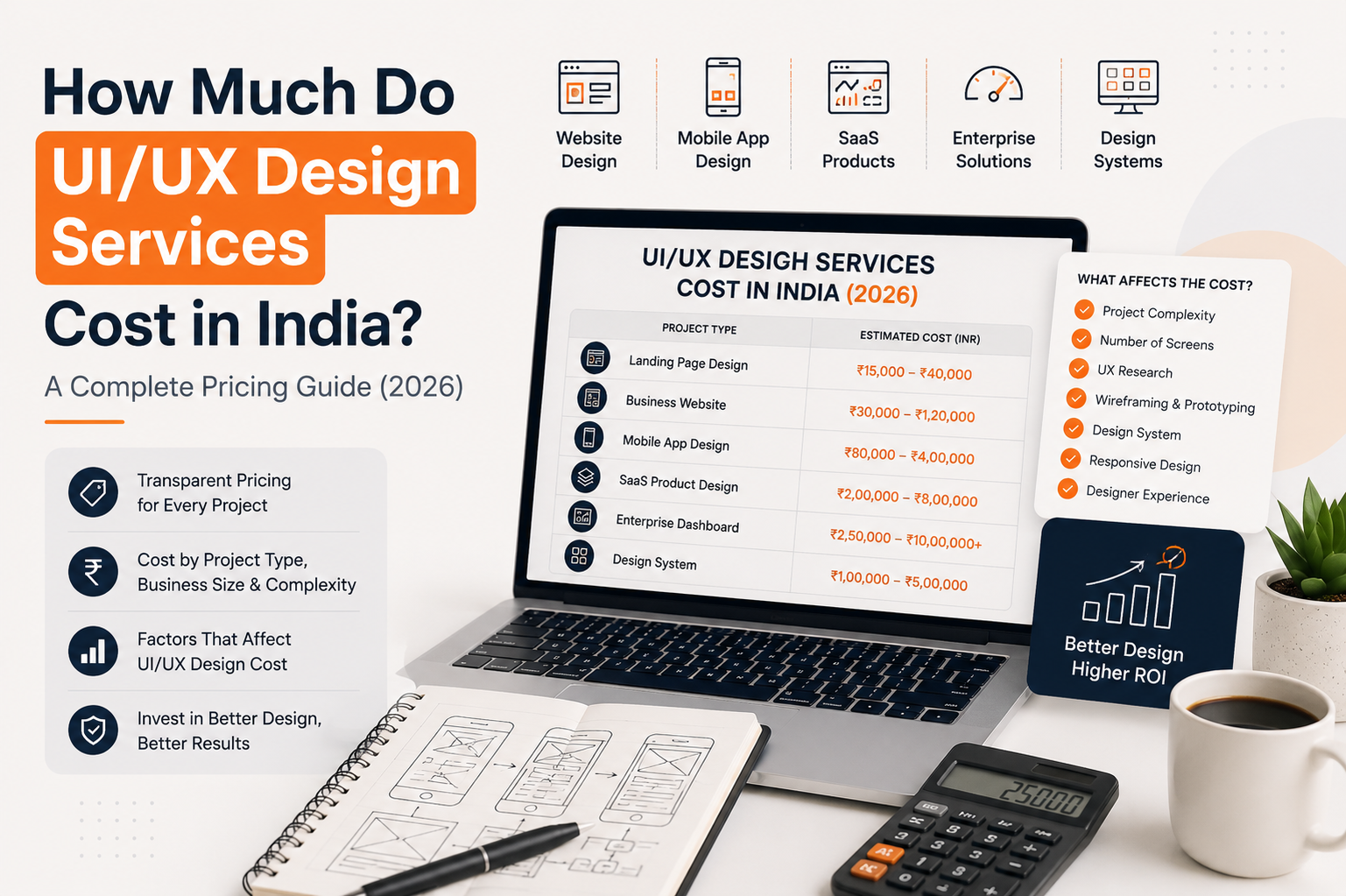
If you're looking for a trusted UI/UX design company, Etaya can help you transform your ideas into user-friendly digital experiences that drive business growth. You can also compare UI/UX design services cost in India before planning your next project.
Frequently Asked Questions
What is UI/UX design?
UI/UX design combines user interface design and user experience design to create digital products that are visually appealing, easy to use, and focused on user needs.
Is UI different from UX?
Yes. UI focuses on the visual interface, while UX focuses on the overall user journey, usability, and experience.
Why is UI/UX important?
Good UI/UX improves usability, customer satisfaction, conversions, and long-term user retention.
What industries need UI/UX design?
Almost every industry—including SaaS, healthcare, fintech, eCommerce, education, travel, logistics, and manufacturing—benefits from professional UI/UX design.
How long does a UI/UX project take?
Most UI/UX design projects take between 2–8 weeks, depending on the project scope, complexity, and feedback cycles.